

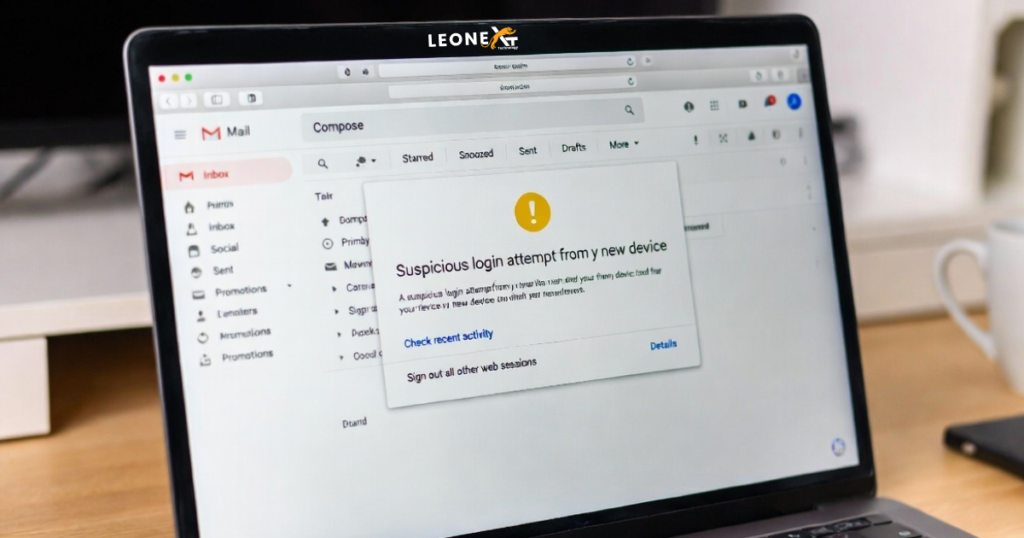
Gmail account is very important for people these days. This is because many other accounts are linked to a Gmail account. On most platforms, users also sign up with a Gmail account. That’s why it is important for you to know that the account is not being used by anyone else.
- Is someone else accessing your Gmail account?
- Know who has an eye on your account
Gmail is the most widely used email service in the world. Many of you will have a Gmail ID. Awareness about cyber security and privacy in India is very less.
There are usually many other accounts linked to a Gmail account. How many passwords do you keep in sync with your Gmail account? In such a situation, if your Gmail account is hacked, then you can get into a lot of trouble.
Many accounts can be hacked from your Gmail ID. That’s why the security and awareness of Gmail account is very important for you.
Which device do you access Gmail from?
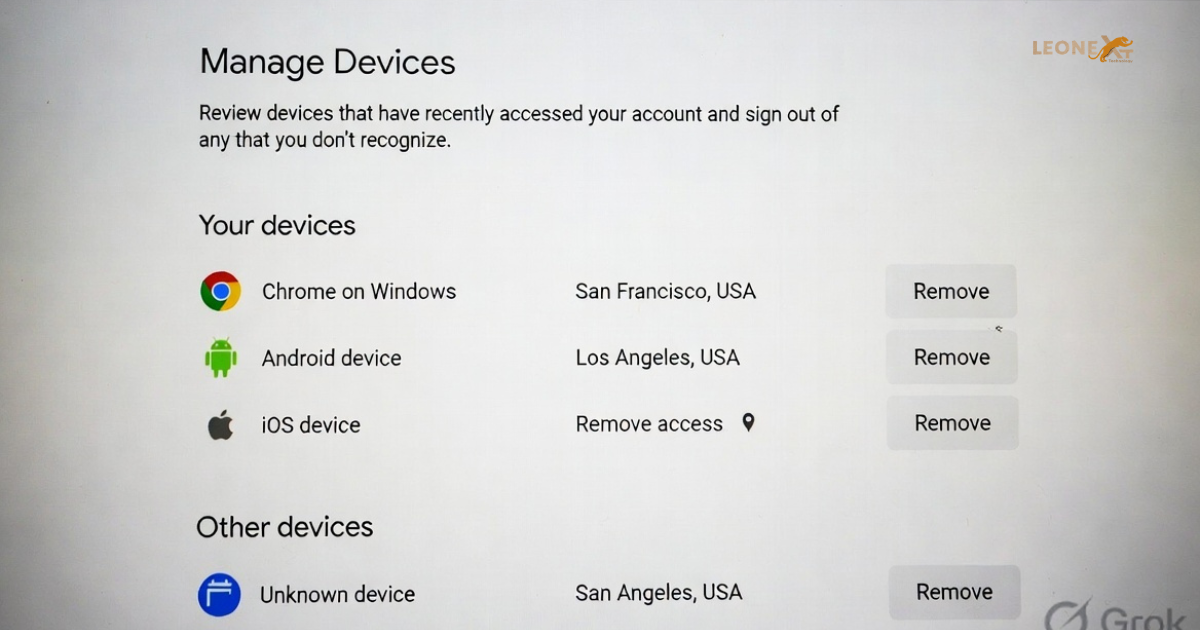
First of all, review this by going to your Google account, from how many devices you have accessed Gmail so far. Go to your Google Account and go to the Security panel from the Navigation panel.
There will be an option of Manage Devices in the Security Panel. By clicking here, you will see how many devices you are currently logged in from simultaneously. For more details, you can select the device from the list.
If you see any device in this list from which you have not logged in, then understand that someone is accessing your account. The good thing is that from here you can remove your Gmail from that device by signing out.
There is also another way to see where your Gmail account is being logged in. If you have Gmail login from computer, then scroll down to the bottom of the Gmail front page.
Last Activity Important tool for you.
- Last account activity: XX Minutes ago will appear in the bottom right side. Just below it click on Details. On clicking, a new window will appear. Here is a list of your account activity.
- Concurrent Session Information will appear at the top. Here the name and location of the browser will be able to see the IP address. A table will be found just below it where the IP, location and login date and time will be there.
- Now you watch it carefully and match. If you think that you are seeing a login session that you have not done, then understand that someone else has accessed your Gmail account.
- You can also sign out from here. Apart from this, with the help of IP, it can also be found from which location was accessed. Keep in mind, hackers also use different tools to bounce the IP, so it is not possible to know the correct location from the IP.
- However, you can get more information and secure your account by tapping on Gmail’s Security Check Up option.
One Response