

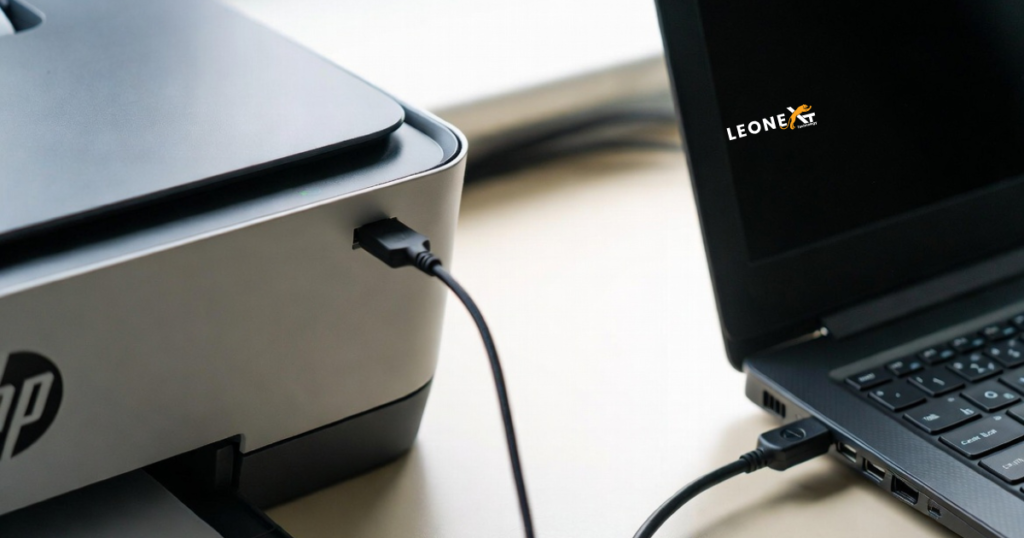
How to set up an HP Printer using a USB cable?
Installing your HP printer in Windows is also an HP Easy Start and automated download and installation application for HP printers. So, now we have discussed installing the HP printer with the USB cable. Before installing it, make sure it’s all set up and powered on. Below are the following steps to connect it with a USB cable.
If you connected a USB cable from your printer to your computer, disconnect it until prompted in the installation.
• On your computer, open the web browser and search the website 123.hp.com/setup.
•Select download to save HP Easy Start on your computer.
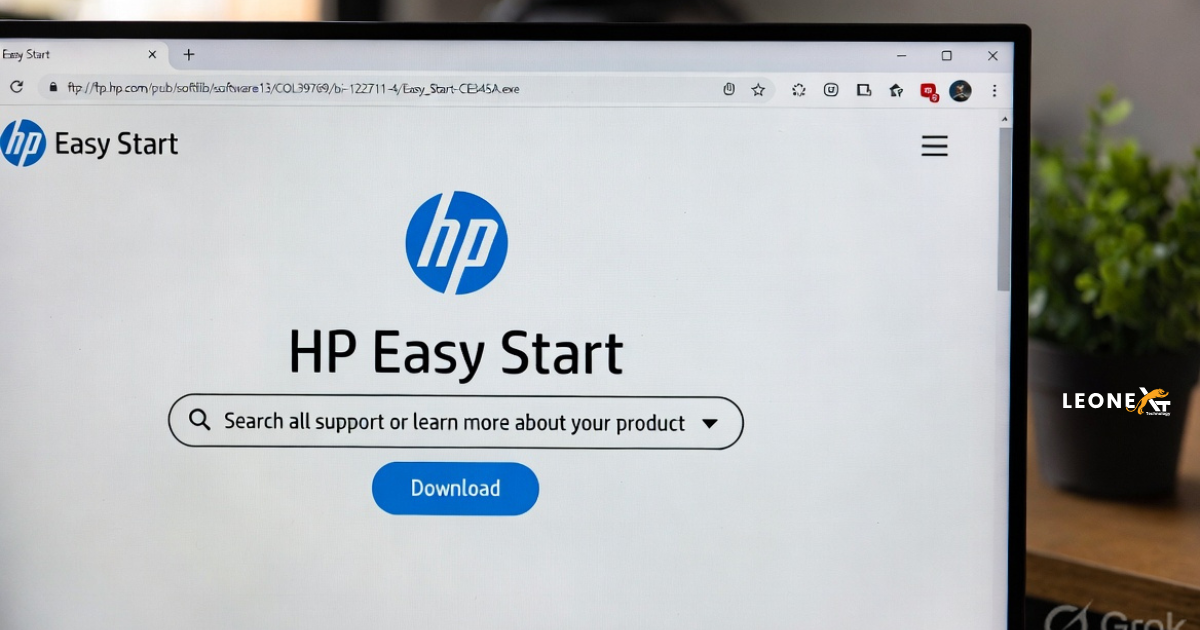
• Then open the saved file to extract HP Easy Start.
• After this, if a Windows prompt displays, select continue, Run, or yes.
• To make changes to your computer, allow the software.
• Then connect the flat end of a USB cable to your computer and the other square end to the printer.
• On your screen, it shows the review of the license agreements and statements. Select continue.
• After clicking on continue, the application detects printers connected to the network of computers and then displays your printer.
• Select my printer is not shown to identify your printer.
•If you’re facing issues connecting to and detecting your printer, go to support.hp.com.
• Then it shows the printer found a connection between the computer and printer.
• Click on continue.
• Then HP easily starts searching for the latest drivers and software for your printer.
• After this, it displays all the available software and drivers for your printer, including the software HP recommends.
• Then select the best software and driver that fits your needs, and then select continue to download the software.
• It opens automatically once the download is complete and the software extracts.
• On the software selection screen, you can also customize your software installation by clicking on it.
• Then click next.
• The remaining screens are to set personal preferences and information to read and respond to.
• Click on finish after setup is completed.
• Also, the HP assistant launches automatically.
• It finally installs with your printers and allows you to scan documents and photos, check ink levels, and more.
•Your printer is ready to use.
So this is the whole procedure of setting up the HP printer using a USB cable in your printer. Follow all the above steps to set your printer correctly.