
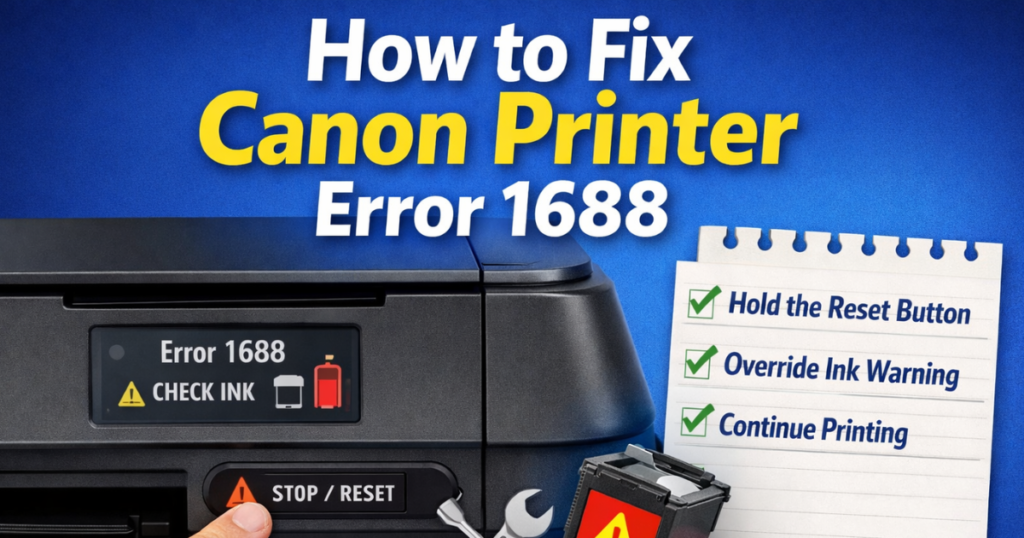
Canon printers are reliable and easy to use. However, sometimes they show error messages. One common issue is Error 1688.
This error usually appears when the ink level is low or empty.
Do not worry. You can fix this issue easily.
In this article, we will explain why this error happens and how to fix it step by step.
What Is Canon Printer Error 1688?
Error 1688 is also called the Check Ink error.
This error is common in Canon inkjet printers that use:
- Canon PG-540
- Canon CL-541
When this error appears, your printer may show the message:
“The ink may have run out.”
The printer stops printing because it thinks the cartridge is empty.
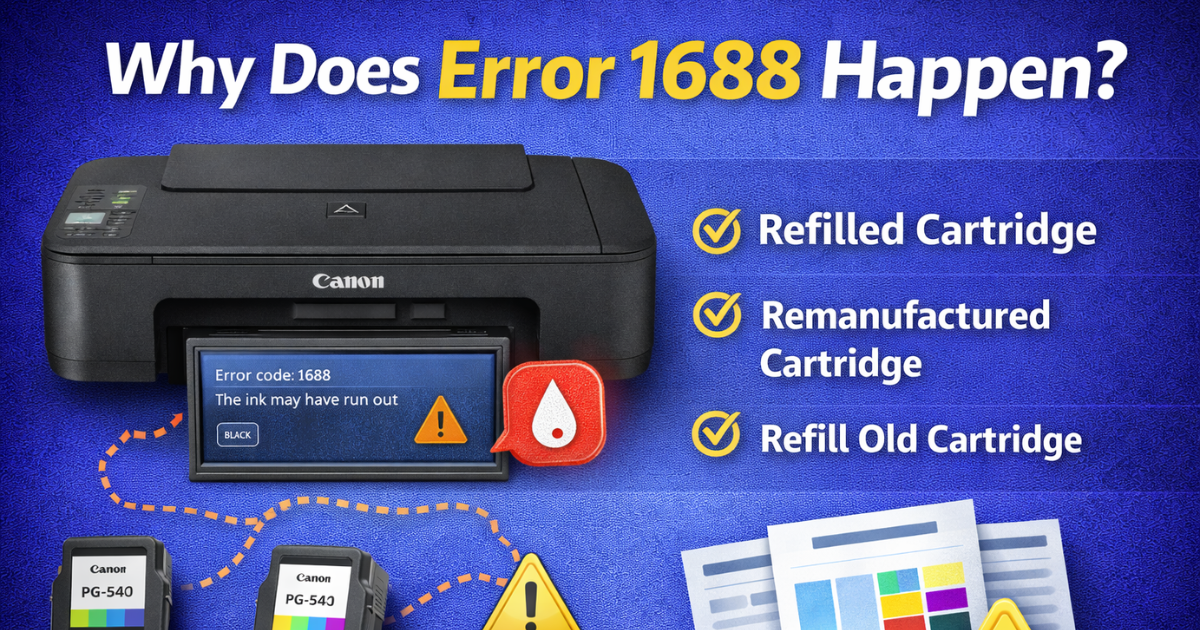
Why Does Error 1688 Happen?
This error usually appears after you:
- Install a refilled cartridge
- Install a remanufactured cartridge
- Refill your old cartridge
Canon printers cannot accurately detect the cartridge’s actual ink level.
Instead, the printer estimates ink levels based on:
- Number of printed pages
- Average ink usage
When the estimated limit is reached, the printer shows Error 1688.
Even original Canon cartridges may still contain some ink when this warning appears.
How to Fix Canon Printer Error 1688
You can override this error in a few seconds.
Follow these simple steps:
- Turn on your printer.
- Press and hold the STOP/RESET/RESUME button.
- Hold the button for 5 seconds.
- Release the button.
The button symbol looks like an upside-down triangle inside a circle.
After this, your printer will continue printing.
The ink level will still show low, but you can keep using the cartridge.
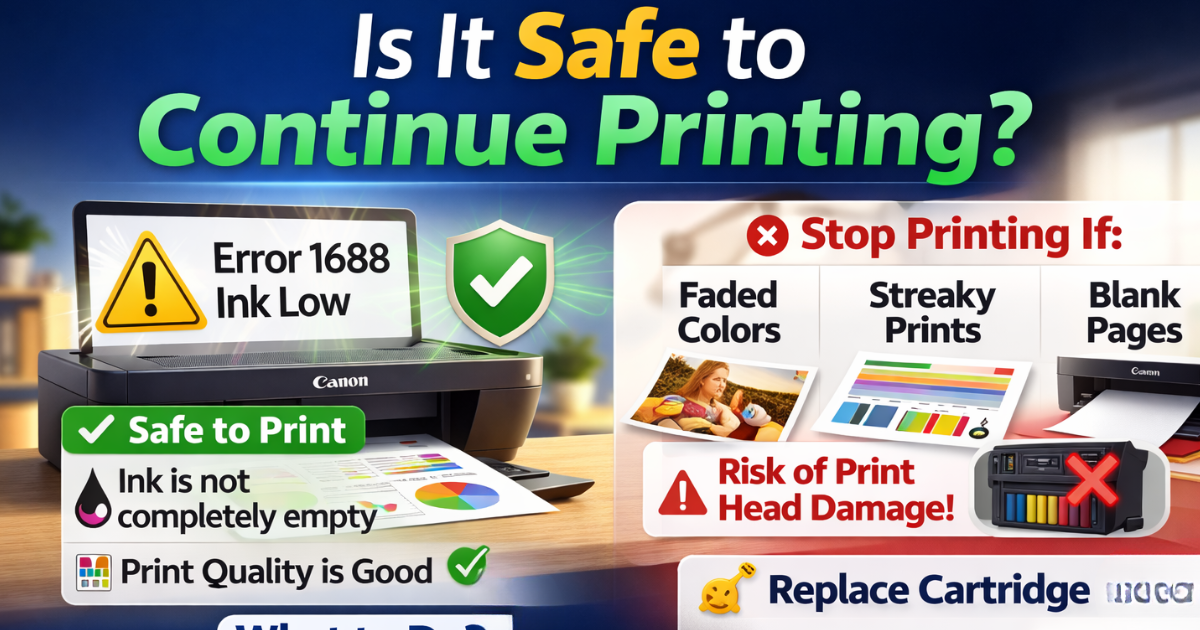
Is It Safe to Continue Printing?
Yes, it is generally safe.
However, do not continue printing if:
- Print quality becomes poor
- Colors start fading
- Pages come out blank
If you keep printing with an empty cartridge, the print head may get damaged.
Replace or refill the cartridge when print quality drops.
If the cartridge burns out, you can simply replace it. Your printer will not get damaged.
When Should You Contact Support?
If the error persists after pressing the reset button, contact Canon support.
You can also speak to a printer technician for help.
FAQ
How to override print error 1688 on a Canon printer?
Press and hold the STOP/RESET button for 5 seconds.
This disables the ink level warning and allows you to continue printing.