
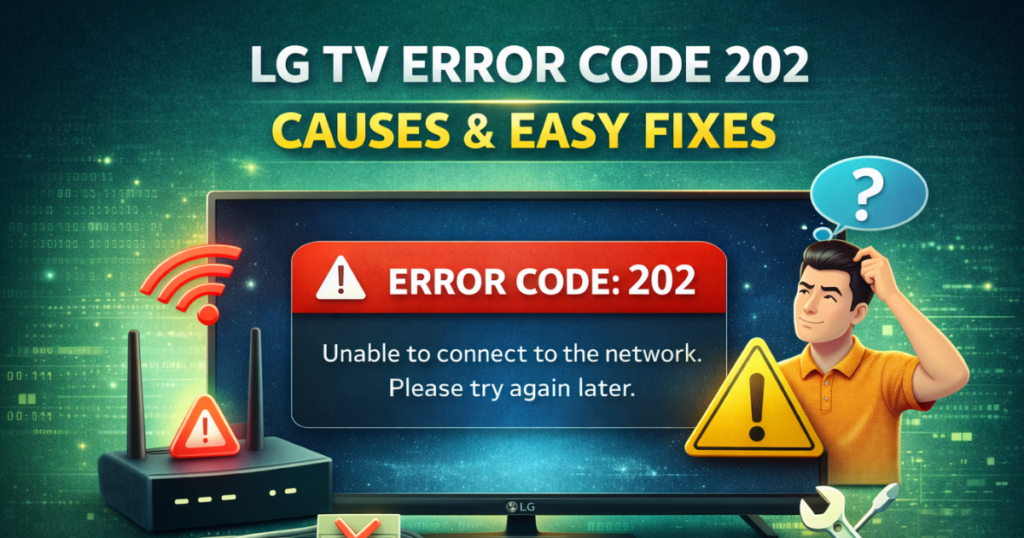
LG is known as a trustworthy brand for smart TVs and home electronics. With a stable internet connection, users can enjoy high-quality streaming on LG TVs without issues. However, some users face problems while connecting their LG TV to the internet.
One common issue is LG TV error code 202. This error usually appears when the TV fails to connect to the internet. The good news is that this issue is not serious and can be fixed using simple troubleshooting steps.
What Is LG TV Error Code 202?
LG TV error code 202 occurs when your TV cannot access the internet. Because of this, you may not be able to stream content or use online features. In most cases, the problem is related to your internet connection, router, modem, or server issues.
If your TV does not show an active Wi-Fi or wired connection, this error is likely to appear.
Common Causes of LG TV Error 202
-
No internet connection
-
Weak or unstable Wi-Fi signal
-
Faulty Ethernet cable
-
Router or modem issues
-
Temporary server downtime
Check Internet Connection on Your LG Smart TV
The first step is to check whether your TV is connected to the internet.
-
Open Network Settings on your LG TV
-
Check if Wi-Fi or wired connection is connected
-
If not connected, reconnect the network
If the connection is slow or unstable, the TV may fail to connect to the server.
Test Your Internet Speed
A poor internet connection can cause LG TV error 202.
-
Run an internet speed test on another device
-
If the speed is too low, restart your router
-
If the test does not start, your connection may be unstable
If problems continue, contact your Internet Service Provider (ISP).
Check Ethernet Cable (For Wired Connection)
If you are using a wired connection:
-
Inspect the Ethernet cable for damage
-
Unplug and reconnect the cable firmly
-
Try using a different cable if possible
Loose or damaged cables often cause connection failures.
Restart Modem and Router
Restarting your modem and router can fix temporary network issues.
-
Turn off the modem and router
-
Wait for 30 seconds
-
Turn them back on
-
Reconnect your LG TV to the network
This step often resolves LG TV error 202 quickly.
Check LG Server Status
If your internet works fine, the issue may be on LG’s side.
-
Visit LG support to check server status
-
Use a server downtime checker
-
Select your location and run a test
If the server is down, wait until it becomes active again.
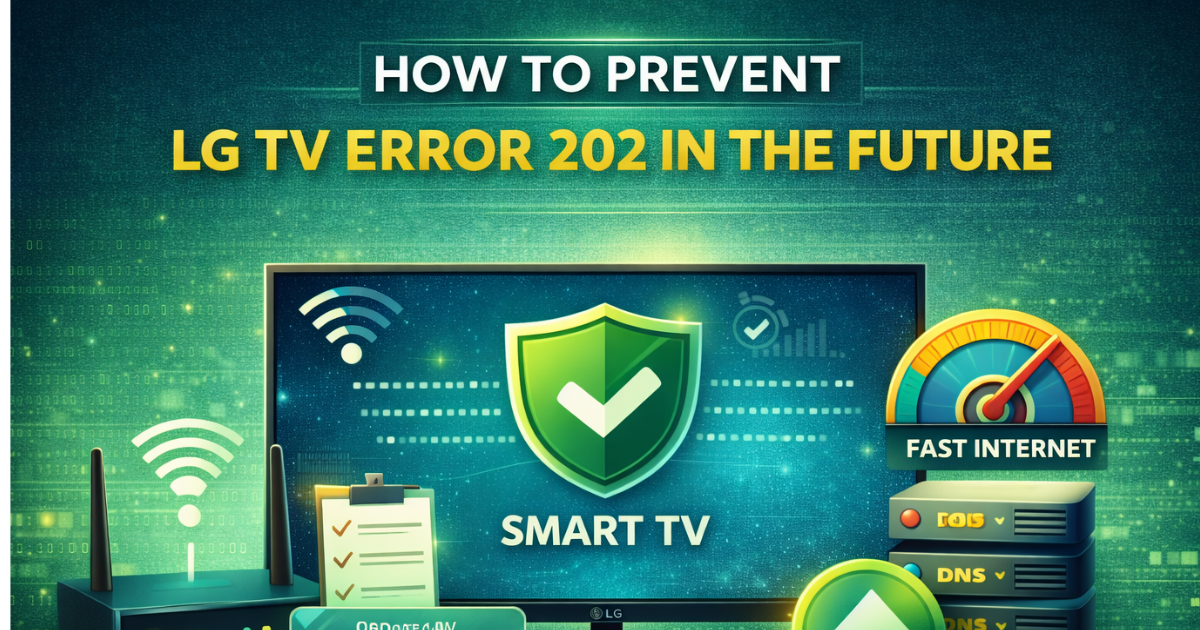
How to Prevent LG TV Error 202 in the Future
-
Keep your LG TV software updated
-
Place the router within 10 meters of the TV
-
Use a stable and high-speed internet connection
-
Consider using a public DNS
Final Thoughts
LG TV error code 202 is mainly caused by internet connection problems. By checking your network, cables, router, and server status, you can fix the issue easily. The steps above cover the most effective solutions and should help restore your TV’s internet connection quickly.