
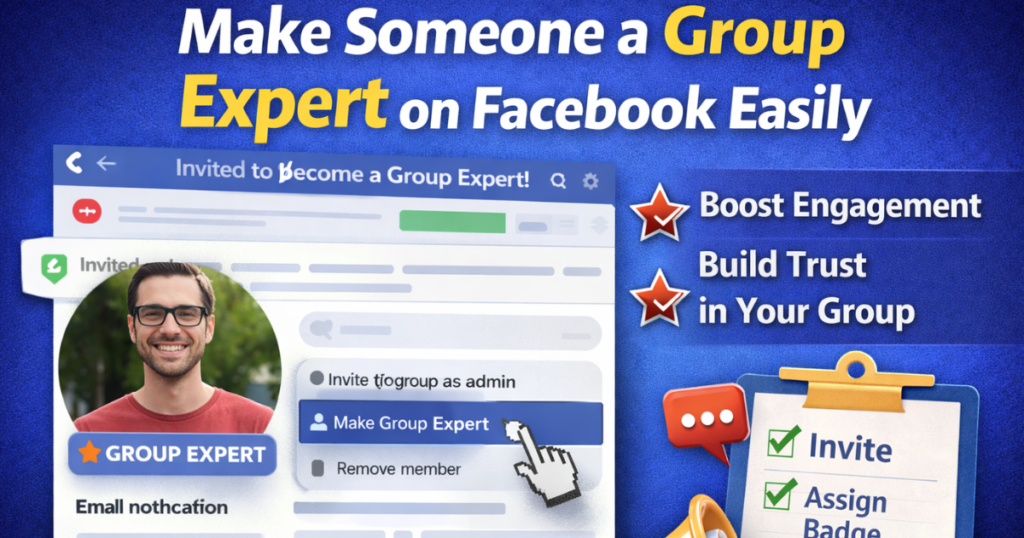
Facebook groups help people connect around shared interests. Many communities grow because active members answer questions and share helpful advice.
As a group admin, you can highlight these valuable members. Facebook allows you to assign a Group Expert badge to trusted members.
This feature helps you build trust, improve discussions, and grow your community faster.
In this guide, you will learn how to make someone a Group Expert step by step.
What Is a Group Expert on Facebook?
A Group Expert is a member who has strong knowledge about your group’s topic.
For example, your group may focus on:
-
Fitness training
-
Digital marketing
-
Crafts and DIY
-
Technology
-
Business growth
You can choose members who regularly help others. When you assign the badge, Facebook shows a “Group Expert” label on their posts and comments.
This badge makes it easier for members to trust their answers.
Group Experts can:
-
Answer questions
-
Join Q&A sessions
-
Share expert advice
-
Help moderators maintain quality discussions
Admins still control the group. The badge only highlights trusted contributors.
Why Should You Assign Group Experts?
Many group admins struggle with engagement. Some create groups but abandon them after a few months.
You can avoid this problem by building a strong community culture.
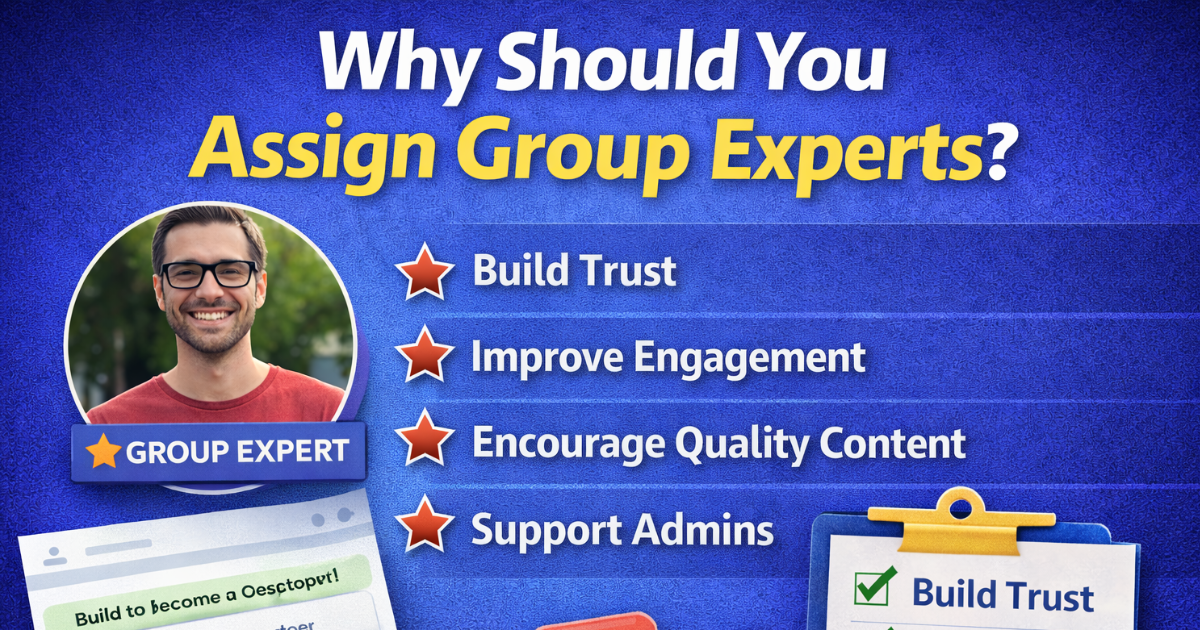
Here’s why Group Experts help:
1. Builds Trust
Members trust posts from verified experts.
2. Improves Engagement
Experts answer questions quickly. This keeps conversations active.
3. Encourages Quality Content
Helpful answers improve the overall value of your group.
4. Supports Admins
Experts reduce your workload by answering common questions.
When members feel valued, they stay longer and participate more.
How to Make Someone a Group Expert
Follow these simple steps if you manage the group:
Step 1: Go to Facebook and select your group from the menu.
- Step 2: Click on Groups, then select Your Groups.
- Step 3: Open the group where you are an admin.
- Step 4: Scroll down and click on Members.
- Step 5: Find the member you want to assign as Group Expert.
- Step 6: Click on the three dots next to their name.
- Step 7: Select Make Group Expert.
The member will receive an invitation. They must accept the role.
Once they accept, Facebook will add a Group Expert badge to their profile inside the group.
How to Remove or Cancel a Group Expert
You can also remove the badge anytime.
Follow these steps:
-
Open your group.
-
Go to the Members section.
-
Find the Group Expert.
-
Click the three dots beside their name.
-
Select Remove as Group Expert.
Facebook does not notify the member if you remove the badge.
Admins can also turn off the Group Expert badge from group settings.
Who cannot become a Group Expert?
Facebook does not allow certain members to receive this role.
You cannot assign the badge to:
-
Members with three or more Community Standards violations in the last 90 days
-
Members with multiple misinformation violations
-
Users who frequently break group rules
This rule protects group quality and credibility.
How to Use Group Experts Effectively
Simply assigning the badge is not enough. You should work with your experts.
Here are some smart ways to use them:
1. Host Q&A Sessions
Ask experts to answer common questions weekly.
2. Create Featured Posts
Pin their helpful posts to the top of the group.
3. Encourage Educational Content
Let them share guides, tips, and tutorials.
4. Recognize Their Efforts
Thank them publicly. Appreciation builds loyalty.
When experts feel respected, they stay active.
How Group Experts Help Your Community Grow
People join groups to learn and connect. They stay when they feel welcomed.
As an admin, you set the culture.
Start by asking meaningful welcome questions. Learn about new members. Understand their goals and interests.
Use this information to:
-
Share relevant content
-
Send personalized messages
-
Create targeted discussions
When members feel important, they contribute more.
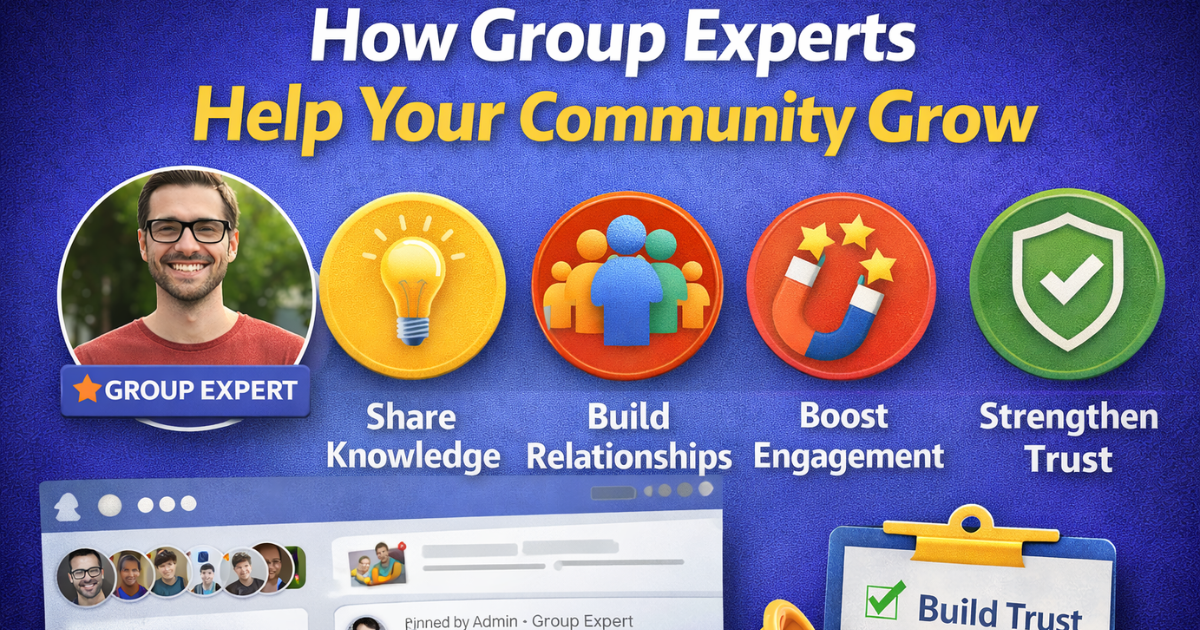
Group Experts strengthen this environment. They make discussions deeper and more useful.
Over time, your group becomes a trusted resource.
Final Thoughts
Creating a successful Facebook group takes effort. Many admins give up because growth feels slow.
Instead of quitting, build leadership inside your group.
Assign Group Experts to trusted and knowledgeable members. Encourage them to guide discussions and answer questions.
This strategy improves trust, increases engagement, and strengthens your community.
When admins and experts work together, groups become more valuable and meaningful for everyone.