Canon Printer Error Code U162 – Causes and Easy Fix Solutions
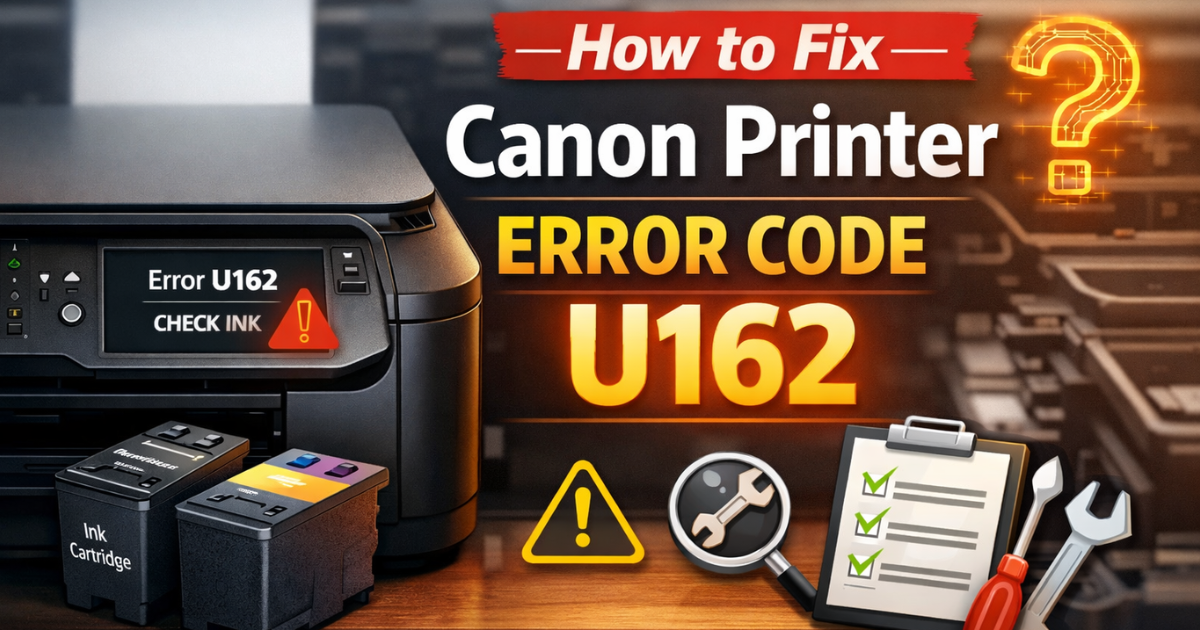
While using Canon printers, users may occasionally encounter error codes. Although Canon is well known for manufacturing high-quality and reliable printers, minor technical issues can still arise during regular use. One such common issue is Canon Printer Error Code U162.
There’s no need to panic—this error is usually easy to resolve. However, fixing it quickly is important to continue printing without interruptions.
What Is Canon Printer Error Code U162?
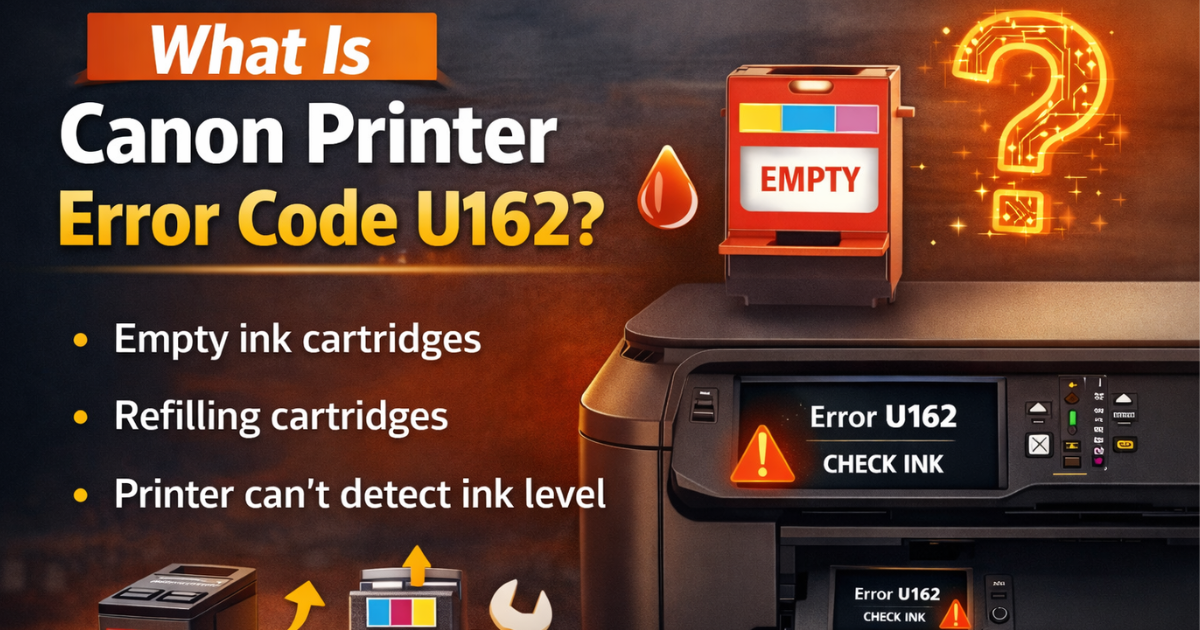
Canon Printer Error Code U162 is a Check Ink Error that typically appears when one or more ink cartridges have run out of ink. This error is most commonly seen on Canon Pixma series printers, including models like Canon Pixma MX328 and other multifunction devices.
The error often occurs when:
-
Ink cartridges are completely empty
-
Refilling cartridges with non-OEM or third-party ink
-
The printer fails to recognize refilled cartridges
-
Printing continues after ink runs out, resulting in blank or dark pages
When the printer cannot detect ink levels properly, it assumes the cartridge is empty and displays the U162 error.
How to Fix Canon Printer Error Code U162
The most recommended solution is replacing empty cartridges with original Canon OEM ink cartridges. However, if you have already refilled the cartridges, you can try the troubleshooting steps below to resolve the issue.
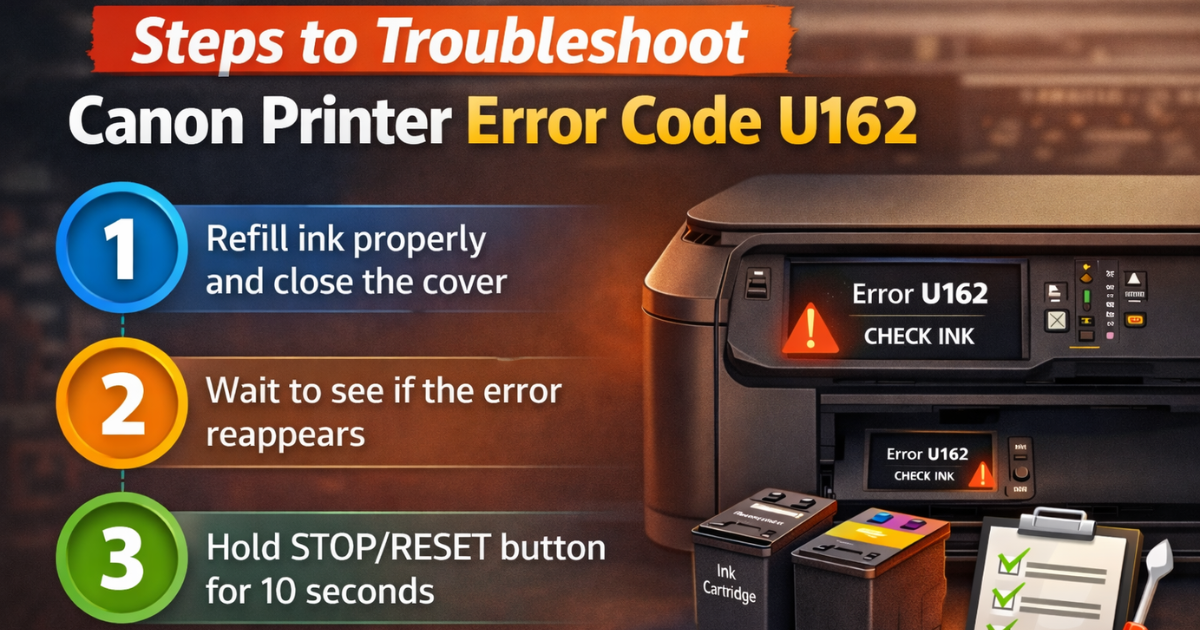
Steps to Troubleshoot Canon Printer Error Code U162
Follow these step-by-step instructions carefully to fix Canon error code U162 efficiently:
Step 1
Turn on your Canon printer. Refill the ink cartridges properly and ensure the top cover and scanning unit cover are firmly closed.
Step 2
Wait for a few moments and check if the error message appears again.
-
If the error does not appear, continue printing normally.
-
If the error persists, move to the next step.
Step 3
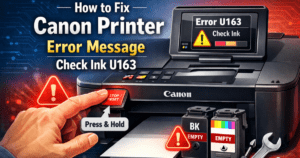
Press and hold the STOP / RESET / RESUME button on the printer for 10 seconds until the printer restarts automatically.
Step 4
Once the printer completes its initialization process, release the button.
Step 5
Repeat the same process if required to fully clear the Canon U162 error.
This method informs the printer that you are aware of the low-ink condition and wish to continue printing.
Important Note About Canon Error U162
Ignoring low-ink warnings may affect print quality or damage the print head over time. For best results and long-term printer performance, Canon strongly recommends using genuine Canon ink cartridges.
When to Contact Canon Printer Support
If Canon Printer Error Code U162 continues to appear even after following all the troubleshooting steps, it is advisable to contact Canon printer support experts or a certified technician for professional assistance.