Step-by-Step Guide to Fix Canon Printer Error Code 1686
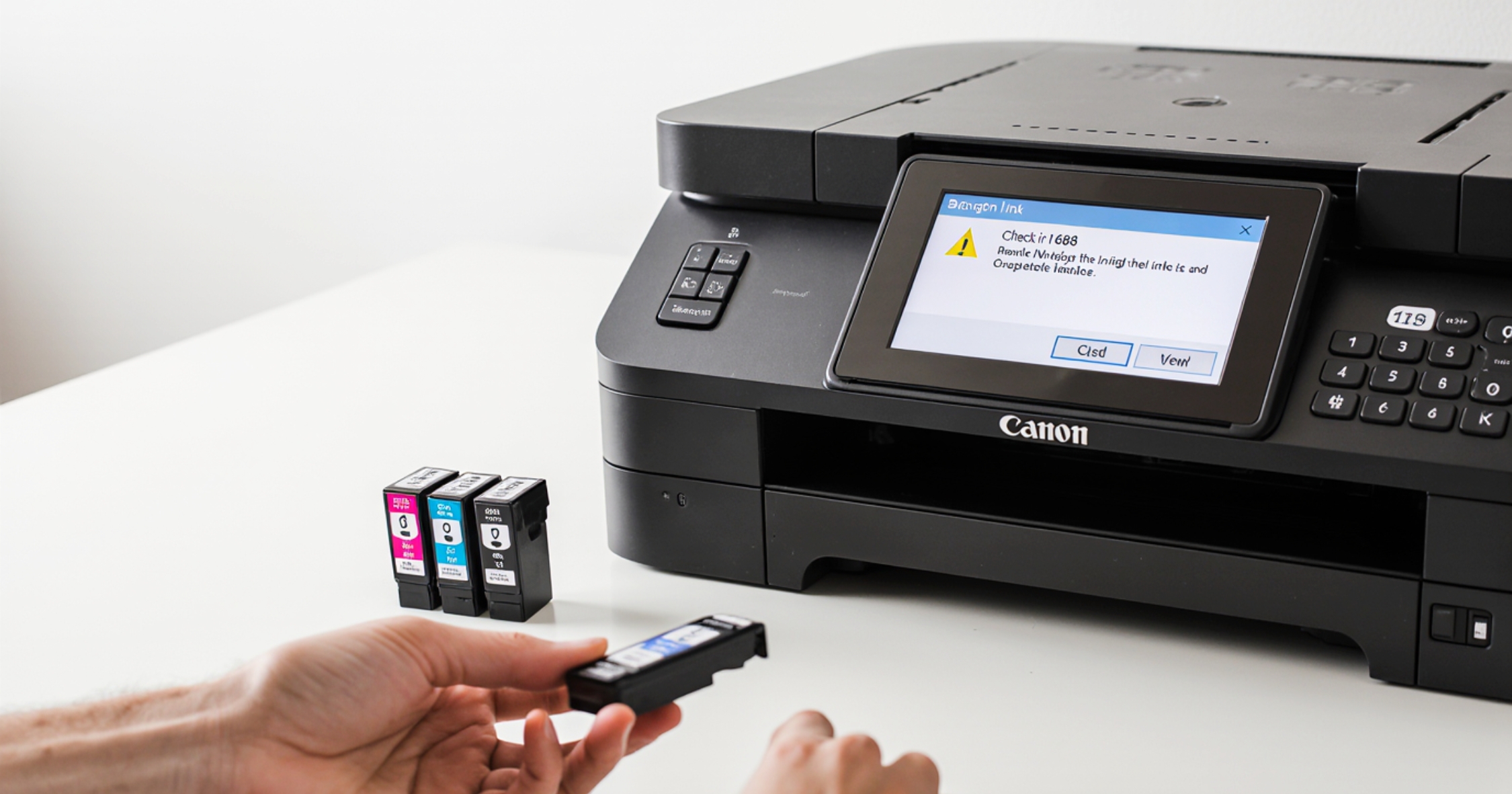
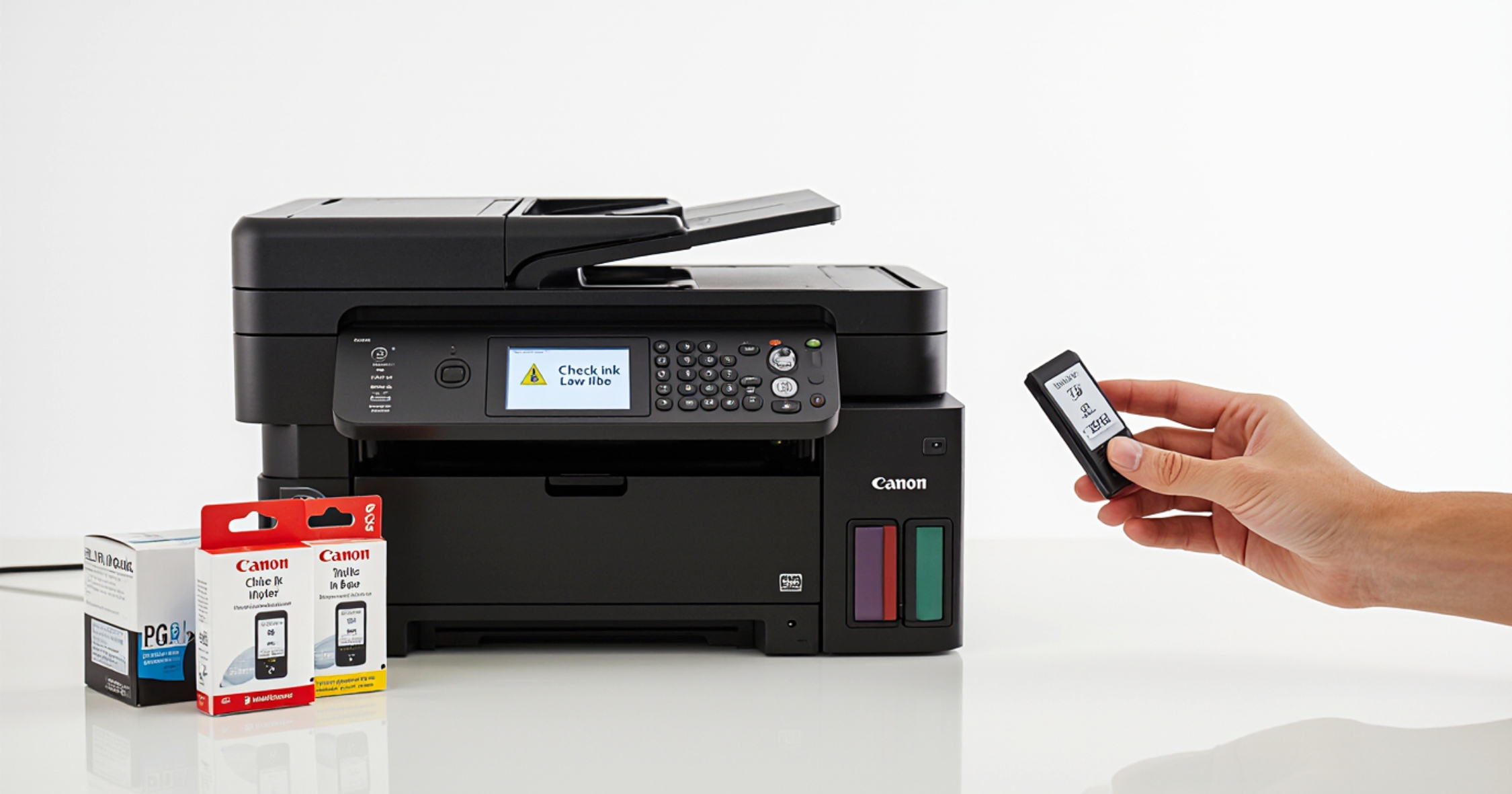
Canon Printer Error Code 1686, also known as the “Check Ink 1686” error, is a common low-ink warning found in many Canon inkjet printers using PG-540 and CL-541 ink cartridges. When this error appears, the printer stops printing until the user manually confirms they want to continue.
Canon officially describes this message as “The ink might have run out (Check Ink 1686)”. Even though ink may still be present, the printer will pause operations until user intervention.
Why Am I Getting Canon Printer Error Code 1686?
You may encounter Canon Error 1686 for several reasons, especially if:
-
You installed a remanufactured ink cartridge
-
You refilled your ink cartridge
-
You reinserted a previously used cartridge
Canon printers do not physically detect ink levels. Instead, they estimate ink based on:
-
Number of pages printed
-
Average ink coverage per page
Once the printer believes the cartridge should be empty, it triggers the Check Ink 1686 error, even if usable ink remains. This can occur with both original Canon cartridges and refilled cartridges.
How to Fix Canon Printer Error Code 1686 (Step-by-Step)
Fixing this error is quick and safe. Canon allows users to override the warning and continue printing.
Follow These Simple Steps:
-
Make sure the printer is powered ON
-
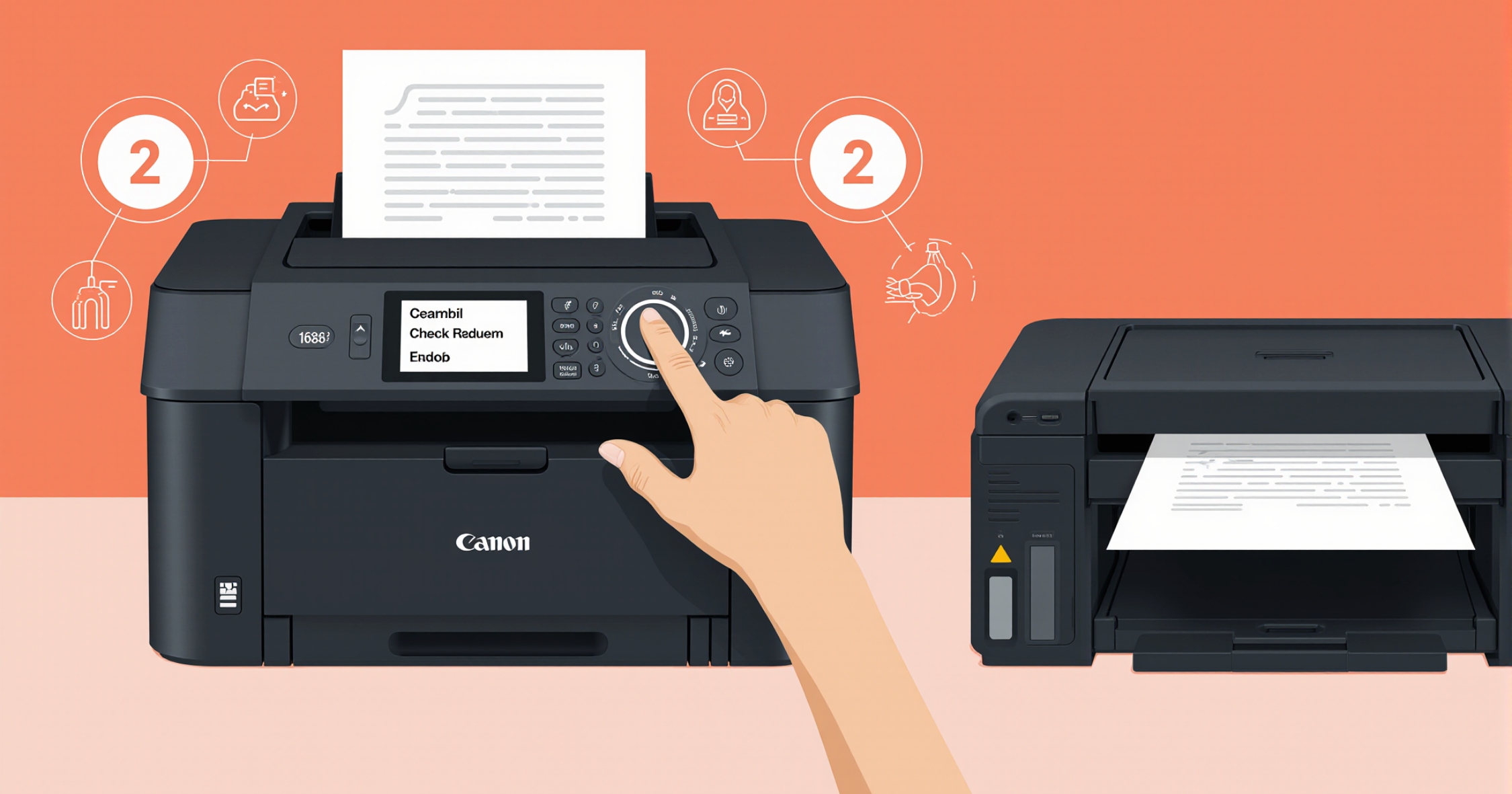
Locate the STOP / RESET / RESUME button on your printer
-
Press and hold the button for 5 seconds
-
Release the button once the warning disappears
-
Resume printing normally
🔺 The Resume button is marked with an upside-down triangle inside a circle.
It may appear black, red, or pink, depending on your Canon printer model.
This action tells the printer that you understand the ink warning and wish to continue printing. The ink level indicator will remain low, but printing will continue until the cartridge actually runs out.
Is It Safe to Ignore Canon Error Code 1686?
Yes, it is generally safe to continue printing after clearing Canon Printer Error 1686, provided you monitor print quality.
Things to Keep in Mind:
-
Printing with a completely empty cartridge may dry out the print head
-
Watch for faded or streaky prints
-
Replace or refill the cartridge once quality drops
Even in the rare case of print head wear, only the cartridge is affected, not the printer itself. Replacing the cartridge resolves the issue without damaging the printer.
Final Thoughts
Canon Printer Error Code 1686 is not a serious fault, but a precautionary ink warning. By following the steps above, you can easily override the message and continue printing without interruption.
If you are still experiencing issues after performing these steps, it’s best to contact Canon printer support or consult a printer expert for further assistance.