
Facebook is all about building connections and communities. With features like Facebook Groups becoming more powerful, people are engaging more than ever. However, not every connection stays positive forever.
Sometimes, you may want to distance yourself from someone on Facebook. It could be an old friend, an annoying acquaintance, or someone who makes you uncomfortable. Thankfully, Facebook gives you simple tools to manage your connections.
This guide explains how to block, unfriend, or unfollow someone on Facebook, and when you should use each option.
Why You Might Want to Block or Unfriend Someone
Not all online relationships age well. Over time, people change, priorities shift, and boundaries become necessary.
You might want to block or unfriend someone if:
-
They post unwanted or offensive content
-
They comment negatively on your posts
-
You no longer stay in touch with them
-
They invade your privacy or stalk your profile
Managing your friend list helps keep your Facebook experience healthy and stress-free
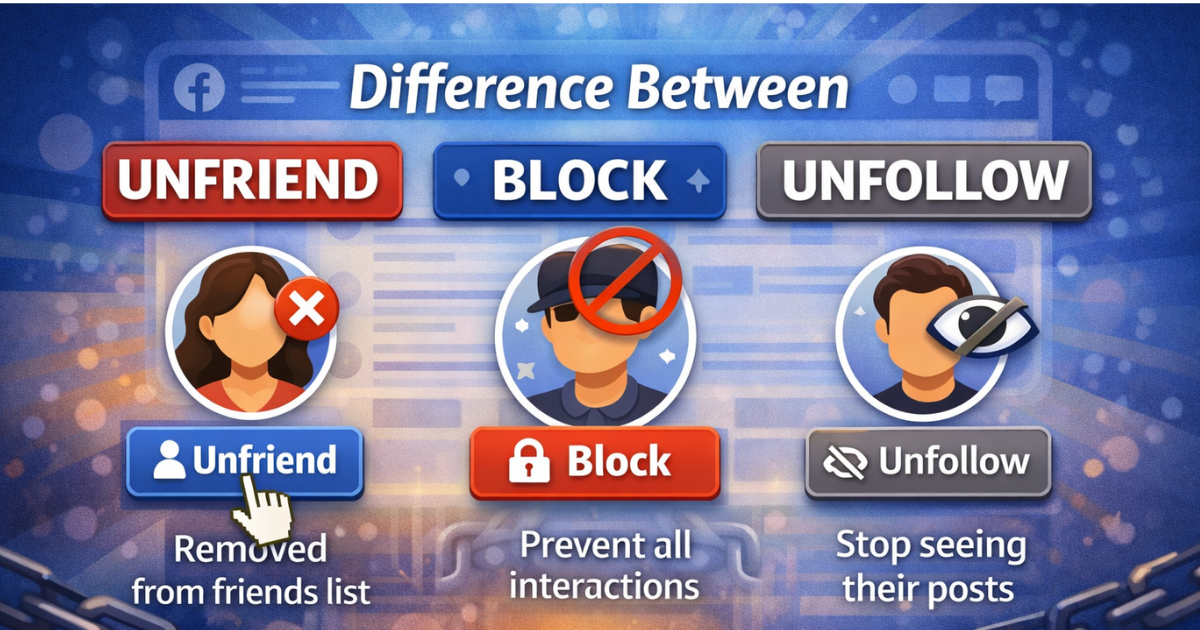
Difference Between Unfriend, Block, and Unfollow
Before taking action, it’s important to understand the difference.
Unfriend
When you unfriend someone, they are removed from your friends list. They won’t see your private posts anymore, but they can still find your profile and send a friend request again.
Block
Blocking is the strongest option. The person will not be able to:
-
See your profile
-
Message you
-
Find you on Facebook
-
See your comments or activity
You also won’t see anything related to them.
Unfollow
Unfollowing simply hides their posts from your feed. You remain friends, but their updates won’t appear anymore.
How to Unfriend Someone on Facebook
Follow these simple steps:
-
Click on your profile picture in the top right corner
-
Go to your Friends list
-
Find the person you want to remove
-
Hover over the Friends button next to their name
-
Select Unfriend from the dropdown menu
-
Click Confirm
Once unfriended, they will no longer see your non-public posts.
How to Block Someone on Facebook
If you want complete separation, blocking is the best option.
-
Visit the person’s profile
-
Click the three-dot menu (⋯)
-
Select Block
-
Confirm your decision
After blocking, Facebook removes all connections automatically, including messages and tags.
Can You Undo Blocking or Unfriending?
Yes, but with limits.
-
You can unblock someone, but Facebook requires a waiting period before re-blocking them
-
If you unfriend someone, you must send a new friend request to reconnect
Blocking and unfriending are not always permanent, but they do send a clear signal.
Should You Block Someone on Other Platforms Too?
If someone is harassing or stalking you, blocking them only on Facebook may not be enough.
Consider blocking them on:
-
Instagram
-
LinkedIn
-
WhatsApp
-
Email and messaging apps
In serious cases, avoid engaging with them online or offline.
Final Thoughts
Creating a safe and positive online environment is essential. Facebook gives you control over who interacts with you, and using these features wisely can protect your peace of mind.
Whether you choose to unfriend, unfollow, or block, the decision should support your comfort and well-being. Setting boundaries online is not rude—it’s necessary.