

Facebook Groups: Building Real Communities That Last
Facebook has increasingly focused on groups as the heart of its platform. With recent announcements, it’s clear that communities will play an even bigger role in the future. This makes Facebook Groups one of the most valuable tools for creators, brands, and businesses today.
However, building a real community is not easy. Many people create a group but abandon it after a few weeks or months due to low engagement. Without proper planning and interaction, even the best ideas can fail.
Why Facebook Groups Matter
Facebook Groups bring together people with shared interests. Members join to learn, share experiences, and connect with others who understand their needs.
When managed properly, groups create trust, loyalty, and long-term engagement. This is why Facebook continues to introduce new features that help admins build stronger communities.
Group Experts: A New Way to Build Trust
Facebook Groups often include subject matter experts across many topics. These individuals actively answer questions, give advice, and support other members. Their contributions play a major role in building trust within the group.
To highlight these knowledgeable members, Facebook has introduced the Group Expert feature. Admins can now identify and reward trusted members by giving them a Group Expert badge.
How Admins Can Assign Group Experts
Admins can assign a Group Expert by following these steps:
-
Go to the member list
-
Search for the selected member
-
Click “Make Group Expert” from the menu
Once assigned, the expert receives a badge that appears next to their name. This helps other members quickly identify helpful and reliable contributors.
Benefits of Group Experts
Group Experts make communities more valuable and organized. Their presence encourages meaningful discussions and improves content quality.
Admins can also collaborate with experts to:
-
Host Q&A sessions
-
Answer common questions
-
Share insights and experiences
This feature helps create a more engaging and informative experience for all members.

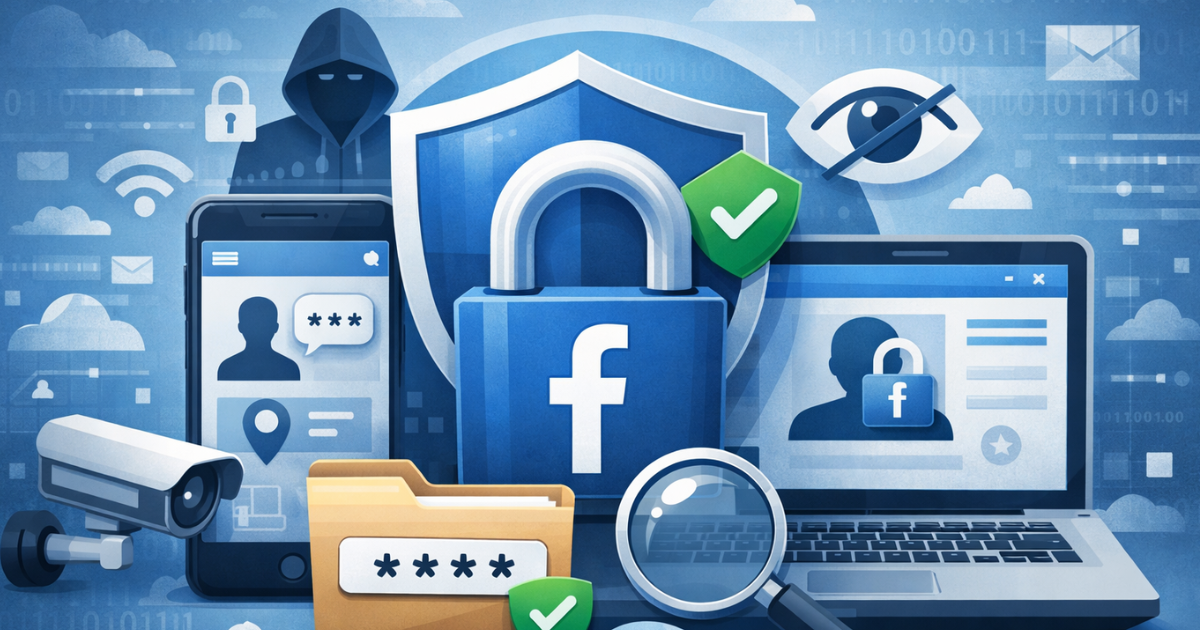
Facebook Privacy: How to Stay Anonymous
Many users want to stay anonymous on Facebook to protect their privacy. While Facebook discourages fake profiles, users still have options to limit visibility and control their identity.
Using Facebook anonymously can help you stay informed while protecting personal information.
Managing Your Name and Profile Settings
You can update your name and privacy settings by following these steps:
-
Click the down arrow in the top-right corner
-
Select Settings & Privacy, then Settings
-
Click Edit next to your name
Facebook may ask for identification if it suspects a fake name. Once changed, you cannot update your name again for 60 days.
You can also change your username (vanity URL) from the same page.
Adjusting Profile Photos for Privacy
Your profile photo can reveal your identity even if your name is changed. To stay anonymous, consider using a non-personal image such as:
-
A landscape
-
A pet
-
An object or symbol
This helps protect your identity while keeping your account active.

Creating a Welcoming Group Culture
Members who feel appreciated are more likely to stay engaged. A strong group culture encourages participation and builds long-term trust.
Welcome questions play a crucial role in this process. These questions should:
-
Collect useful information
-
Understand member interests
-
Help personalize communication
This allows admins to provide relevant content and make new members feel valued from the start.
Conclusion
Facebook’s Group Expert feature helps highlight informed voices and improve discussion quality. When admins and experts work together, groups become more engaging, trustworthy, and useful.
By combining strong moderation, expert contributions, and thoughtful onboarding, you can build a Facebook Group that grows and lasts.