
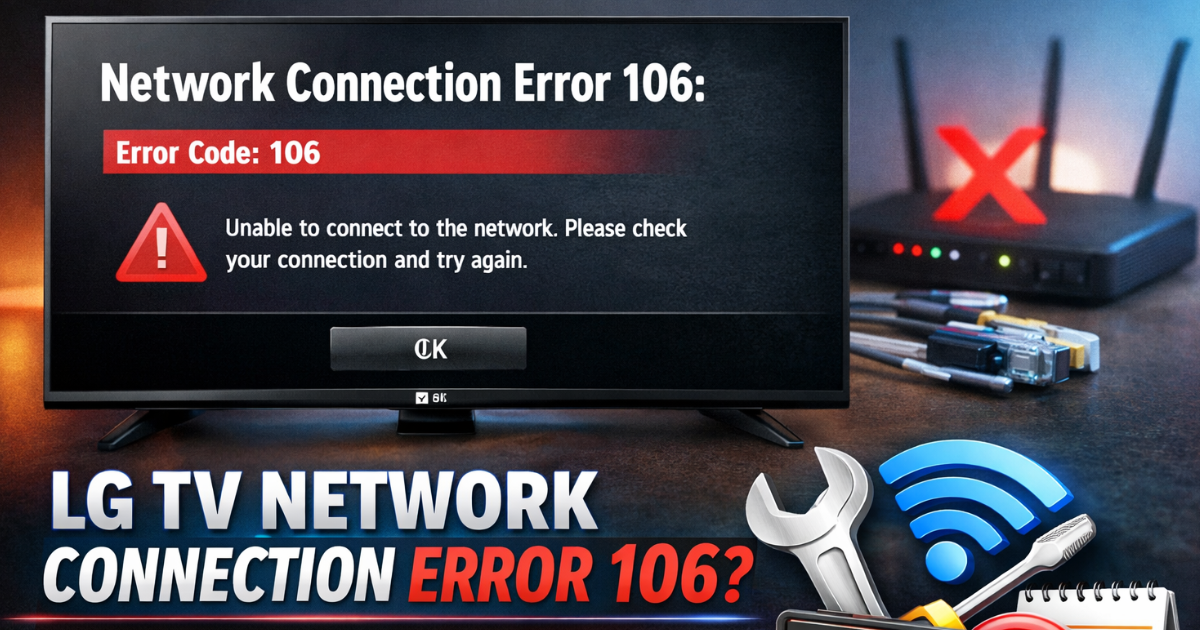
LG TV Network Connection Error 106 usually appears when your television fails to connect to the internet. This issue is mainly related to weak internet connectivity, incorrect DNS settings, wrong date and time, or router configuration problems.
If your LG Smart TV shows Network Connection Error 106, don’t worry. In most cases, you can fix it within a few minutes.
Let’s go step by step.
Why LG TV Network Connection Error 106 Happens
LG TV Network Connection Error 106 can occur due to:
-
Weak or unstable internet connection
-
Router malfunction
-
Incorrect DNS settings
-
Wrong date and time on TV
-
MAC address blocked in router settings
Now let’s fix it.
How to Fix LG TV Network Connection Error 106
1. Restart Your Router (Power Cycle Method)
A simple router restart fixes LG TV Network Connection Error 106 in many cases.
Follow these steps:
-
Turn off your router.
-
Unplug it from the main power socket.
-
Wait for 30–60 seconds.
-
Plug it back in.
-
Turn it on and wait until all lights stabilize.
Now reconnect your TV to WiFi and check if the error disappears.
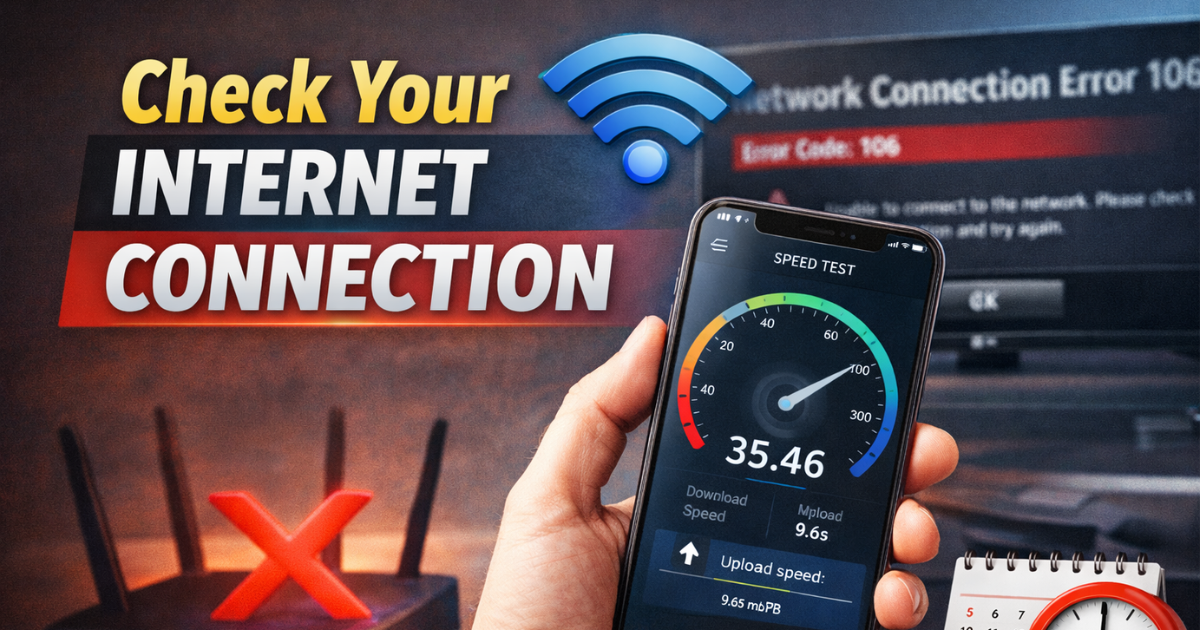
2. Check Your Internet Connection
Sometimes LG TV Network Connection Error 106 appears due to slow or unstable internet.
-
Test internet speed on your phone or laptop.
-
Restart your modem.
-
Try connecting your TV using mobile hotspot.
-
Move the router closer to the TV.
If the TV connects with hotspot, your main internet connection is the issue.
3. Set DNS Manually to Fix LG TV Network Connection Error 106
Incorrect DNS settings can trigger LG TV Network Connection Error 106. Setting DNS manually often solves the problem.
Steps to Set DNS Manually:
-
Turn on your LG TV.
-
Go to Settings.
-
Select All Settings.
-
Click Network.
-
Choose WiFi Connection.
-
Select Advanced WiFi Settings.
-
Uncheck Set Automatically.
-
Enter DNS as: 8.8.8.8
-
Click Connect.
This Google DNS setting fixes many network-related errors.
4. Correct Date and Time Settings
Wrong date and time settings can cause LG TV Network Connection Error 106 because the TV cannot sync properly with servers.
Fix Date and Time:
-
Go to Settings.
-
Click All Settings.
-
Select General.
-
Choose Date & Time.
-
Turn on Set Automatically.
Make sure your time zone is correct.
5. Add TV MAC Address to Router (Whitelist Method)
If your router blocks unknown devices, LG TV Network Connection Error 106 may appear.
Every TV has a unique MAC address. If your router blocks it, the TV cannot connect.
How to Add MAC Address:
-
On TV, go to:
-
Settings > Network > WiFi Connection > Advanced Settings
-
-
Note your TV’s MAC Address.
-
Open router settings on your laptop (type 192.168.1.1 in the browser).
-
Log in to the router admin panel.
-
Go to Advanced Settings.
-
Find the MAC Filtering or Whitelist section.
-
Add your TV’s MAC address.
-
Save settings and restart the router.
Now reconnect your LG TV.
6. Remove WiFi Password Temporarily (Optional Fix)
Sometimes security settings create conflicts.
You can:
-
Remove the WiFi password temporarily.
-
Connect your LG TV.
-
Then enable password again.
This method helps if authentication issues cause LG TV Network Connection Error 106.
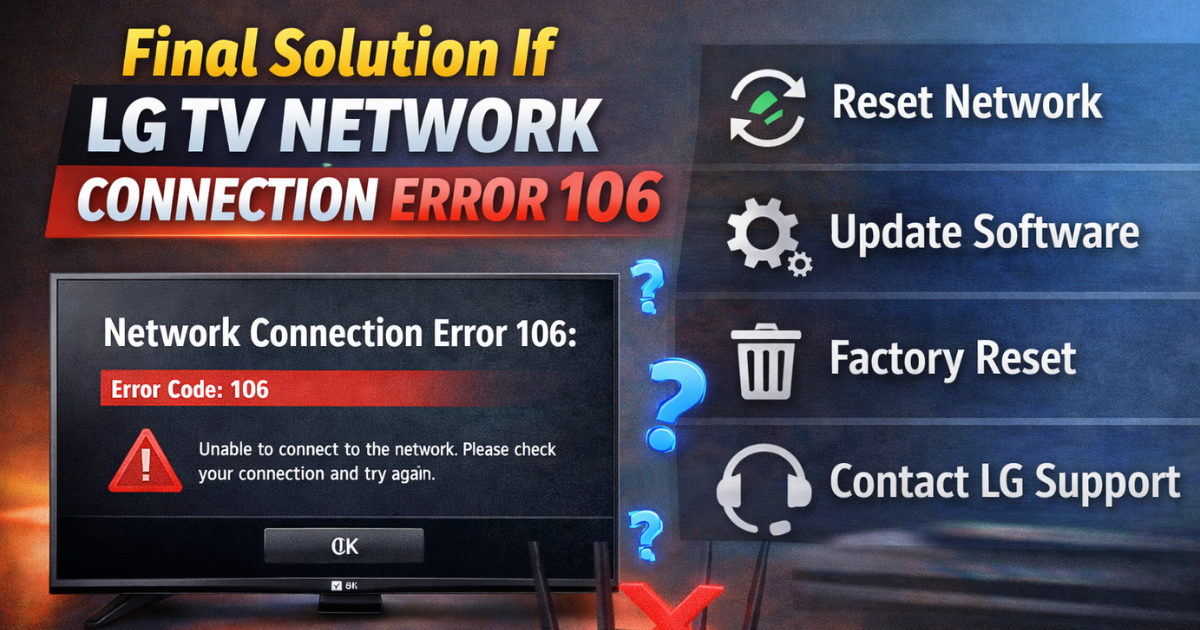
Final Solution If LG TV Network Connection Error 106 Still Appears
If none of the above methods fix LG TV Network Connection Error 106:
-
Reset network settings on TV
-
Update TV software
-
Perform factory reset
-
Contact LG customer support
In rare cases, hardware issues may cause the error.
Conclusion
LG TV Network Connection Error 106 usually happens due to internet or router issues. You can fix it easily by:
-
Restarting the router
-
Setting DNS to 8.8.8.8
-
Correcting date and time
-
Adding MAC address to router
Follow the steps above carefully, and your LG TV should reconnect to the internet without any issue.