If you use a TV at home, you already know what HDMI does. HDMI cables transmit both audio and video signals. They create a strong and stable connection between your devices.
Samsung Smart TVs include a feature called ARC (Audio Return Channel). ARC allows your TV to send audio back to a soundbar or audio system through the same HDMI cable. This removes the need for extra audio cables.
However, many users face issues where HDMI ARC stops working. Below are the most effective solutions to fix the problem.
1. Turn On HDMI-CEC (Anynet+)
Many ARC issues happen because HDMI-CEC is turned off. Samsung calls this feature Anynet+.
To enable it:
-
Open Settings on your TV.
-
Go to General.
-
Select External Device Manager.
-
Turn on Anynet+ (HDMI-CEC).
Once you enable it, check if ARC starts working.
2. Reconnect All Devices
Loose connections often cause ARC problems. You can fix this by reconnecting everything properly.
Follow these steps:
-
Turn off your TV.
-
Unplug all HDMI cables.
-
Disconnect your soundbar, console, and set-top box.
-
Wait for 10–20 minutes.
Now reconnect everything carefully:
-
Plug in the soundbar first.
-
Connect the HDMI cable to the ARC port.
-
Turn on the TV.
-
Reconnect other devices one by one.
This reset often restores the ARC connection.
3. Check Audio Format Settings
Incorrect audio format settings can stop ARC from working.
Go to:
Settings → Sound → Expert Settings
Set the audio format to PCM first. If it doesn’t work, try Dolby Digital.
Samsung TVs support limited audio formats. Unsupported formats may cause sound issues.
4. Inspect the HDMI Cable
A damaged HDMI cable can block the ARC feature.
Check for:
-
Loose connectors
-
Bent pins
-
Internal damage
-
Poor-quality cables
Replace the cable if you notice any damage. Always use a high-quality, HDMI-certified cable for best performance.
5. Update Your TV Software
Outdated software can cause ARC errors.
To update your Samsung TV:
-
Go to Settings.
-
Select Support.
-
Click Software Update.
-
Choose Update Now.
Install any available updates. After updating, restart your TV.
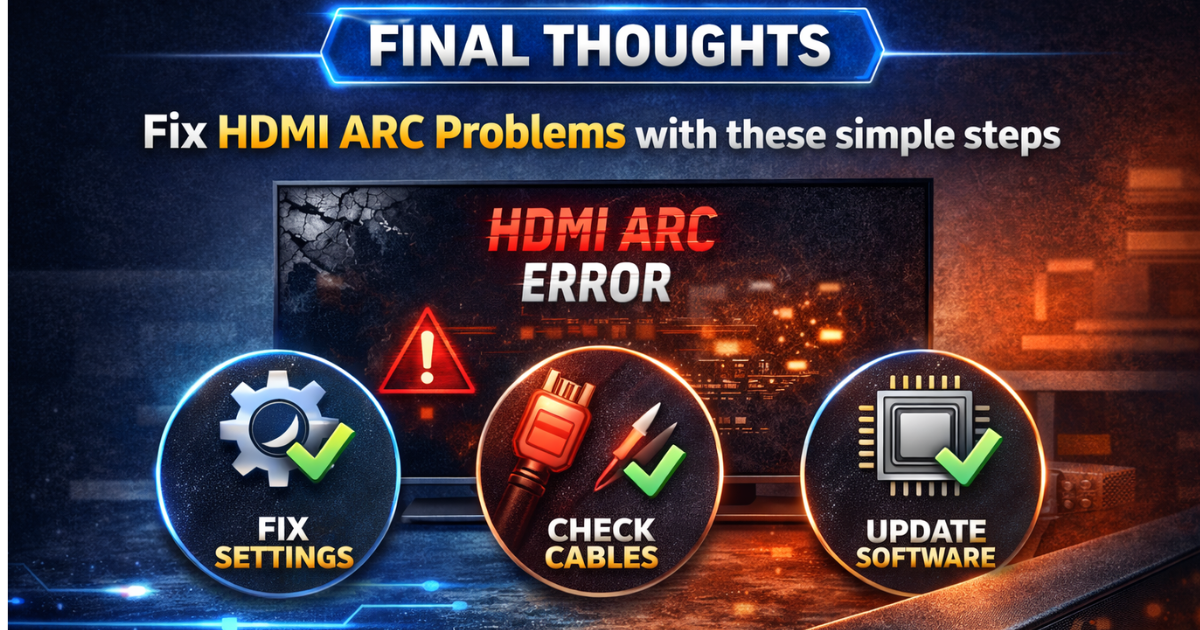
Final Thoughts
HDMI ARC problems usually happen because of incorrect settings, loose cables, or outdated software. You can fix most issues by enabling Anynet+, reconnecting devices, checking audio settings, or updating the TV.
Follow the steps above carefully. Your Samsung Smart TV HDMI ARC should start working properly again.