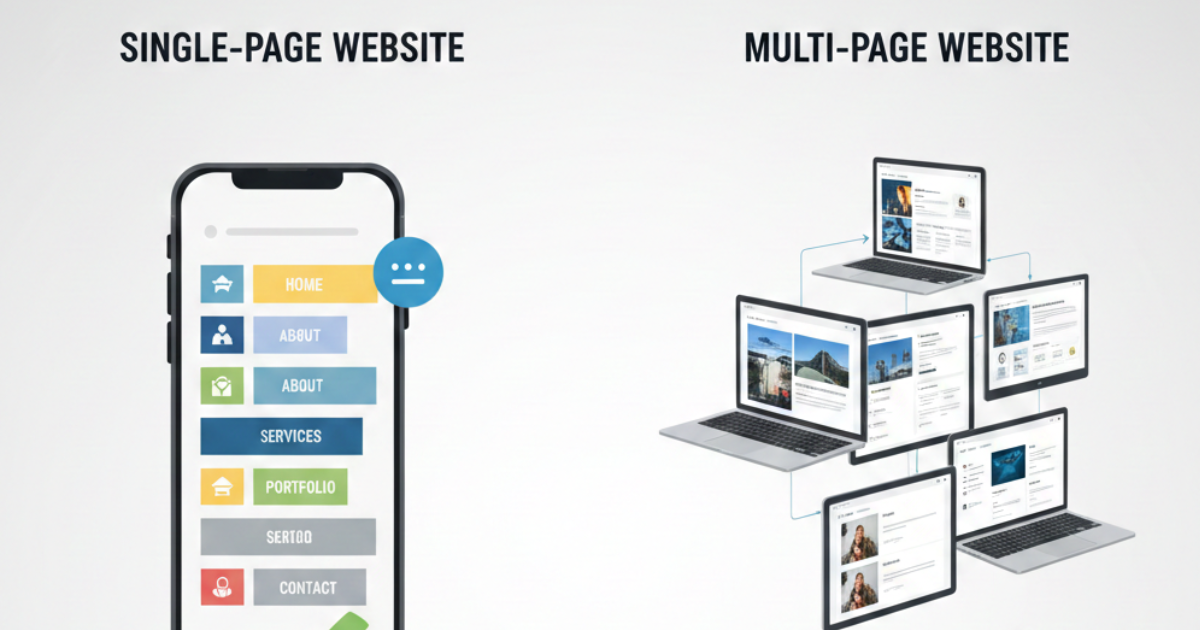
The name itself explains the meaning. If you are planning to create a website for your business and feel confused between a single-page and a multi-page website, this guide will help you decide which option suits you best.
A single-page website contains only one HTML page. It presents all information in a structured scrolling format instead of separating it across multiple pages. These websites are popular for short informational content, portfolios, landing pages, and event websites.
Because they focus only on essential information, single-page websites are simple and easy to navigate. Users scroll from top to bottom and quickly find what they need without clicking through multiple pages.
Why Choose a Single Page Website?
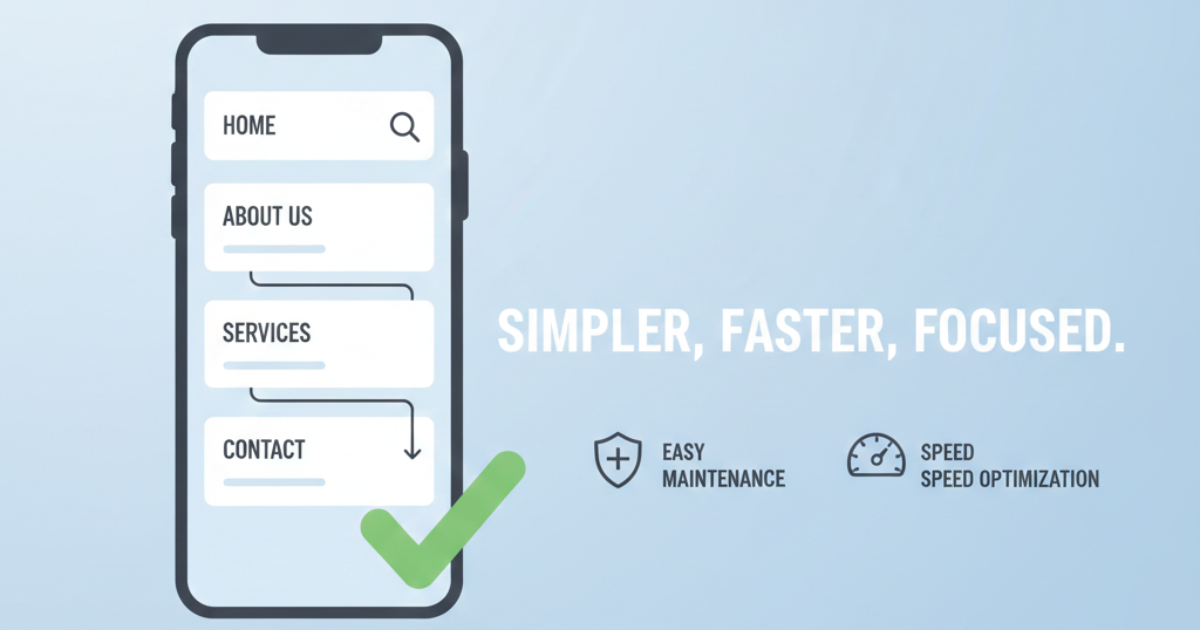
First of all, single-page websites are beginner-friendly. If you are new to website building, managing multiple pages can feel overwhelming. In contrast, a single-page website keeps everything organised in one place, making it easier to manage and maintain.
Moreover, users appreciate the smooth scrolling experience. They can move from one section to another without loading new pages. As a result, the browsing experience feels faster and more convenient.
Additionally, these websites reduce distractions. Since users stay on one page, they focus on the main content. For short blogs, personal portfolios, product launches, or event promotions, a single-page website works effectively.
Another advantage is maintenance. You don’t need advanced technical skills to manage a single-page website. You can update content quickly without depending on a developer.
Single Page Websites on Mobile Devices
Today, most users browse websites on mobile devices. Fortunately, single-page websites perform well on smaller screens. Since the content appears in a clean vertical layout, users can read everything with simple scrolling.
Furthermore, designers find it easier to optimize single-page layouts for mobile responsiveness. With less structural complexity, they can maintain the design more efficiently.
Disadvantages of Single Page Websites
However, single-page websites also have limitations.
First, they are not ideal for large businesses. Big companies usually require multiple service pages, product categories, and detailed information. A single page cannot effectively cover all that content.
More importantly, single-page websites often struggle with SEO. Since you only have one page to target keywords, your ranking opportunities become limited. In contrast, multi-page websites allow you to target different keywords on different pages, which increases your visibility on search engines.
Additionally, shorter content reduces keyword depth. Because single-page websites focus only on essential information, they may fail to rank for competitive search terms.
Another limitation involves content sharing. You cannot easily share individual articles or blog posts if everything sits on one page. In today’s digital world, content sharing plays a major role in traffic generation.
How to Design a One-Page Website
Before choosing a one-page website, make sure it aligns with your business goals.
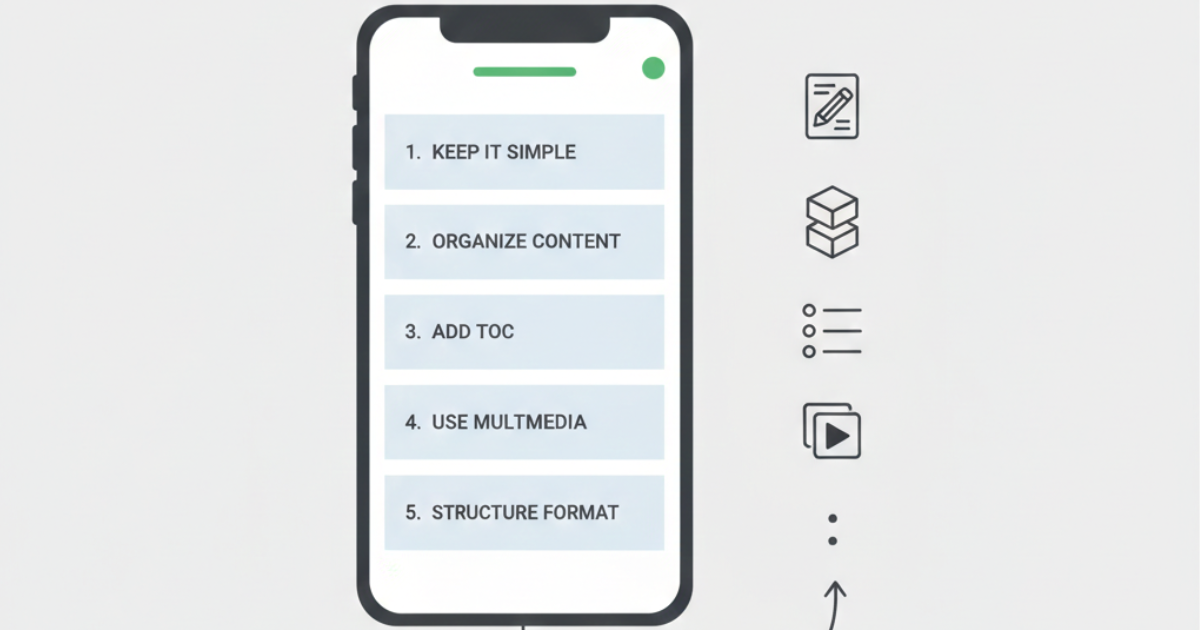
1. Keep the Design Simple
Focus only on important information. Write clear and concise content. Remove unnecessary words that may distract users.
2. Organize Content Properly
Structure your content in sections with clear headings. Logical formatting improves readability and keeps users engaged.
3. Add a Table of Contents
Many users scroll quickly to find specific information. Therefore, adding a clickable table of contents helps them jump directly to relevant sections.
4. Use Multimedia
Images and videos make your content more engaging. However, always use high-quality visuals that match your topic. Proper multimedia placement improves user experience and reduces bounce rates.
5. Write in a Structured Format
Avoid writing in an unorganised manner. Instead, present information point-by-point. Highlight key points so users can quickly identify important details. You can also add navigation links to improve scrolling flow.
Conclusion
In conclusion, single-page websites work best for portfolios, landing pages, small projects, and short informational content. They offer simplicity, easy maintenance, and smooth navigation.
However, if you aim to grow a business, improve SEO rankings, and scale your online presence, a multi-page website provides more flexibility and better optimisation opportunities.
Ultimately, your choice should depend on your goals. If you want simplicity and quick access to information, choose a single-page website. On the other hand, if you want long-term business growth and strong SEO performance, a multi-page website will serve you better.