

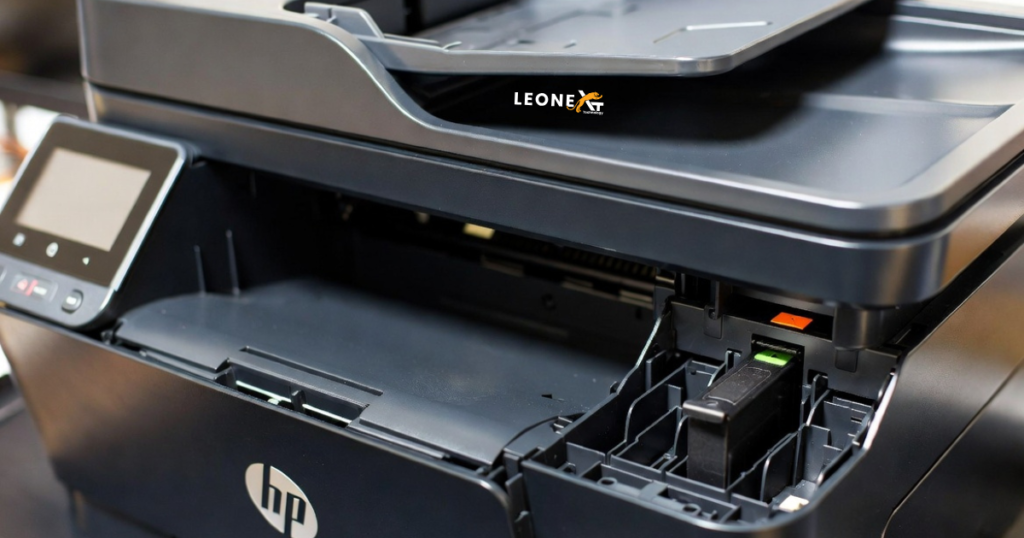
HP Printer bypasses the Setup ink Cartridges.
If you have an HP printer, you may need the setup cartridges, and it may not let you use your HP printer until you get them, so hopefully, here’s a way to bypass your HP printer and work whether you have the setup cartridges or not. If you are having HP printer problems with the ink cartridges, maybe this will help to fix your printer. One tip for you may be that if you are looking for a used printer, and maybe this will work, whether it’s a LaserJet printer, an inkjet printer, whatever, and say you’re at a garage sale, maybe a thrift store, maybe you can check and see if it is still in warranty before you even buy it. Possibly, if you call the company with the serial number, they can tell you over the phone. Or maybe don’t have something online that you could put the serial number in and check for yourself to see if it is under warranty. Another tip, if you are shopping for used items at thrift stores, is to maybe look for reviews online on the item before you buy it.
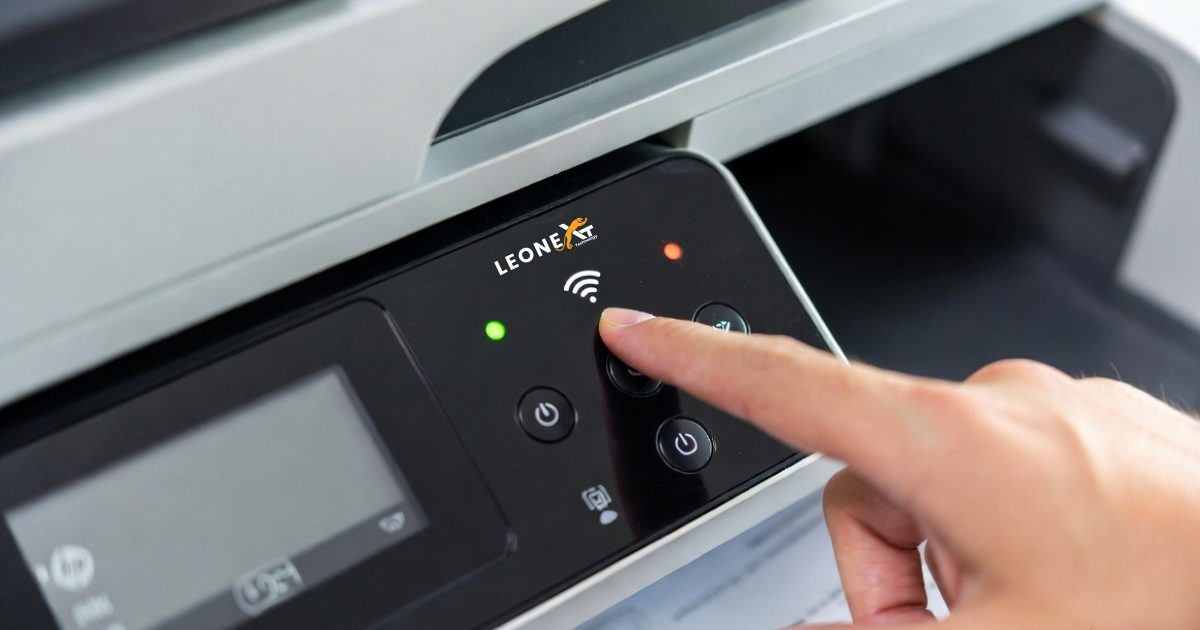
In this blog, we show how to bypass the HP printer setup cartridge. In this case, you brought the e second-hand printer, and you don’t have the setup cartridge. This procedure is very easy, so below are the steps to bypass the Printer setup cartridge.
• Firstly, we need to open the trap over the cartridges and wait for the cartridges to be presented to you.
• In the second step, you need to keep pressing the wireless button. Sometimes it looks a bit different, but similar to you, too.
• You need to keep it pressed for three seconds.
• Then, once you’ve done that, after three seconds, you can close the trap.
• After this, you’re gonna hear some stuff happening. This printer will reset it will take about 10-15 seconds.
• Then, when you’re done after that time, all you have to do is make sure that you have some paper loaded on a paper tray at least two pages.
• After loading pages, it should stop blinking the button.
• You’re gonna use the copy button, color or black and white doesn’t matter, press the button, and the printer will take a page.
• It doesn’t matter if there’s nothing in the trap, but in the case of something in it, the page prints and comes out.
• You can even press the wireless button once, but in many cases, just doing this will work.
• If it doesn’t work, press the once again wireless button; it should stop blinking again.
• It will be good, and you should go without the setup cartridges.
So these are all the steps to bypass the HP printer setup cartridge. Trying these steps solves your problem. If these are not working, contact the HP Support Center.